 Boxscape
Arcade · one thumb · no sign-in
You don't control the ball. You control the box.
Drag a wooden frame around the screen to keep a bouncing ball inside it. The ball never slows down, the frame never stops splintering, and the forest keeps dropping things worth catching on the way past. The only question is how long you can hold on.
On Google Play · On the App Store
The whole game
Three rules, one thumb
There is nothing to unlock before you understand it and nothing to read before you start. It is the same three rules from the first second to your best run.
-
Hold anywhere, drag the frame
Press anywhere on the screen and the whole frame follows your thumb — it does not jump to meet you, so your grip stays where you put it. The ball ignores all of this. It keeps its own momentum and its own direction.
-
Only catches pay
Points come from what the ball catches. Solid wood keeps the ball in play so there is time to catch things — it pays nothing for the bounce itself. Every side starts whole, so there is always something to bounce off at the start. The gaps that open in it are the problem.
-
Let it out and it's over
The ball only has to find one opening. Once it leaves the inside of the frame the run ends, and the only two numbers that matter are how long you lasted and how many bounces you got.
The forest
Things worth steering into
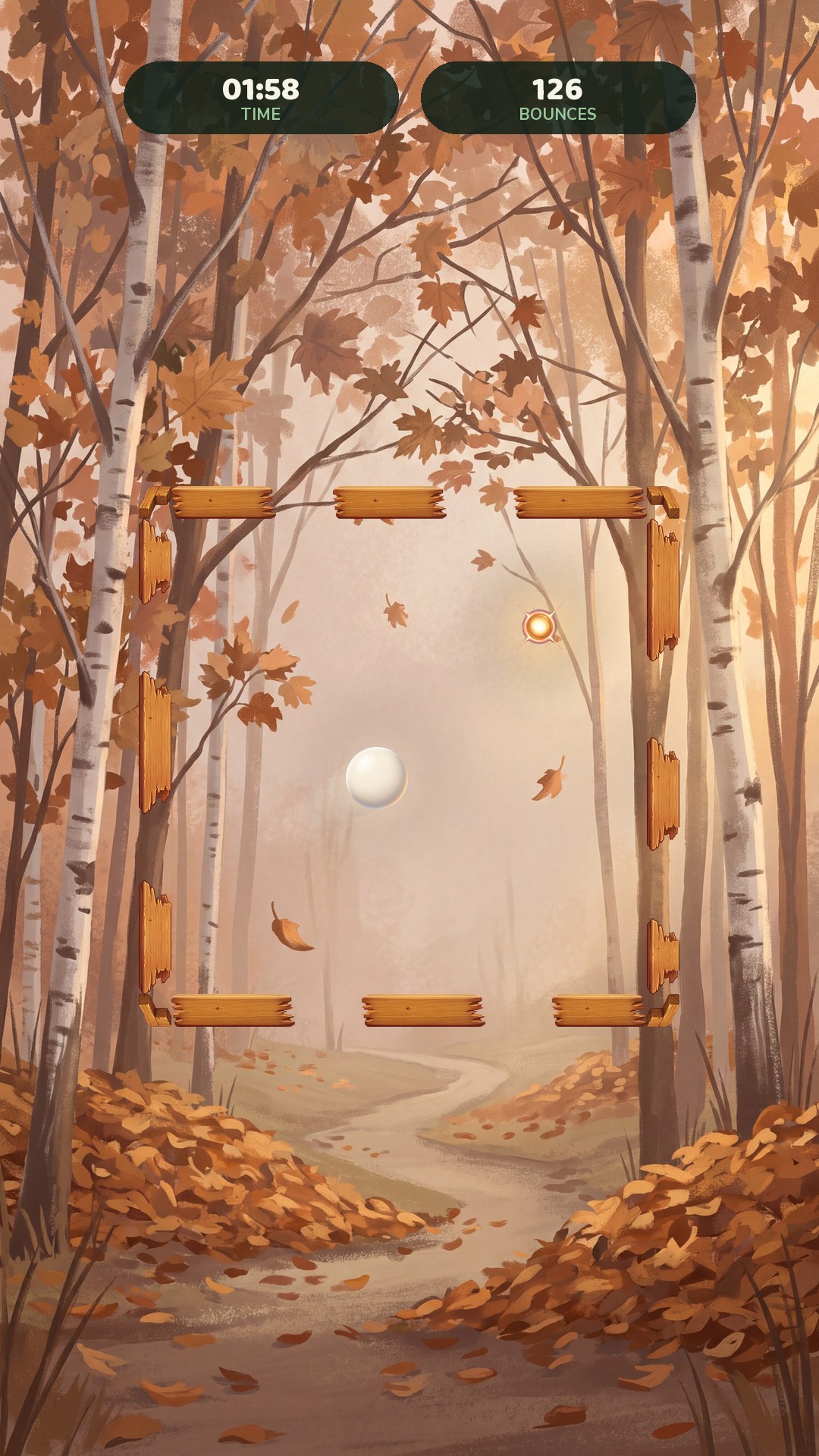
The playfield is not empty. Nuts drop through it, leaves cross it on the wind, berries swell along the bottom — and the ball is the only thing that can touch any of them, which makes every one of them a reason to move the frame somewhere you would rather not.
Three kinds, three habits
Falling nuts and cones drop one at a time, every two or three seconds, and burst where they land if nobody catches them. Blown leaves cross sideways in gusts of four to ten flying close together — the slowest thing in the forest, and worth twice a nut. Growing berries and mushrooms sprout along the bottom and swell for fourteen seconds; take one early and it pays little, leave it to ripen and it pays five times as much, and it is not going anywhere while you decide.
Nothing is ever taken off you. A nut that lands, a leaf that blows past and a berry left to ripen all cost you the catch and nothing else.
Every place brings its own
What falls in a snowbound forest is not what falls in a desert. Each of the six backdrops has its own set of items drawn for it — acorns and blackberries in the forest, frosted cones in the snow, husks and bone in the desert, glowing minerals in the cave — and each one shatters into its own colours when the ball takes it.
Difficulty
The frame breaks where you are hit
Boxscape gets harder by taking things away. No new enemies, no faster ball to speak of — just less and less wood between you and the end of the run.
A plank cracks, then it breaks
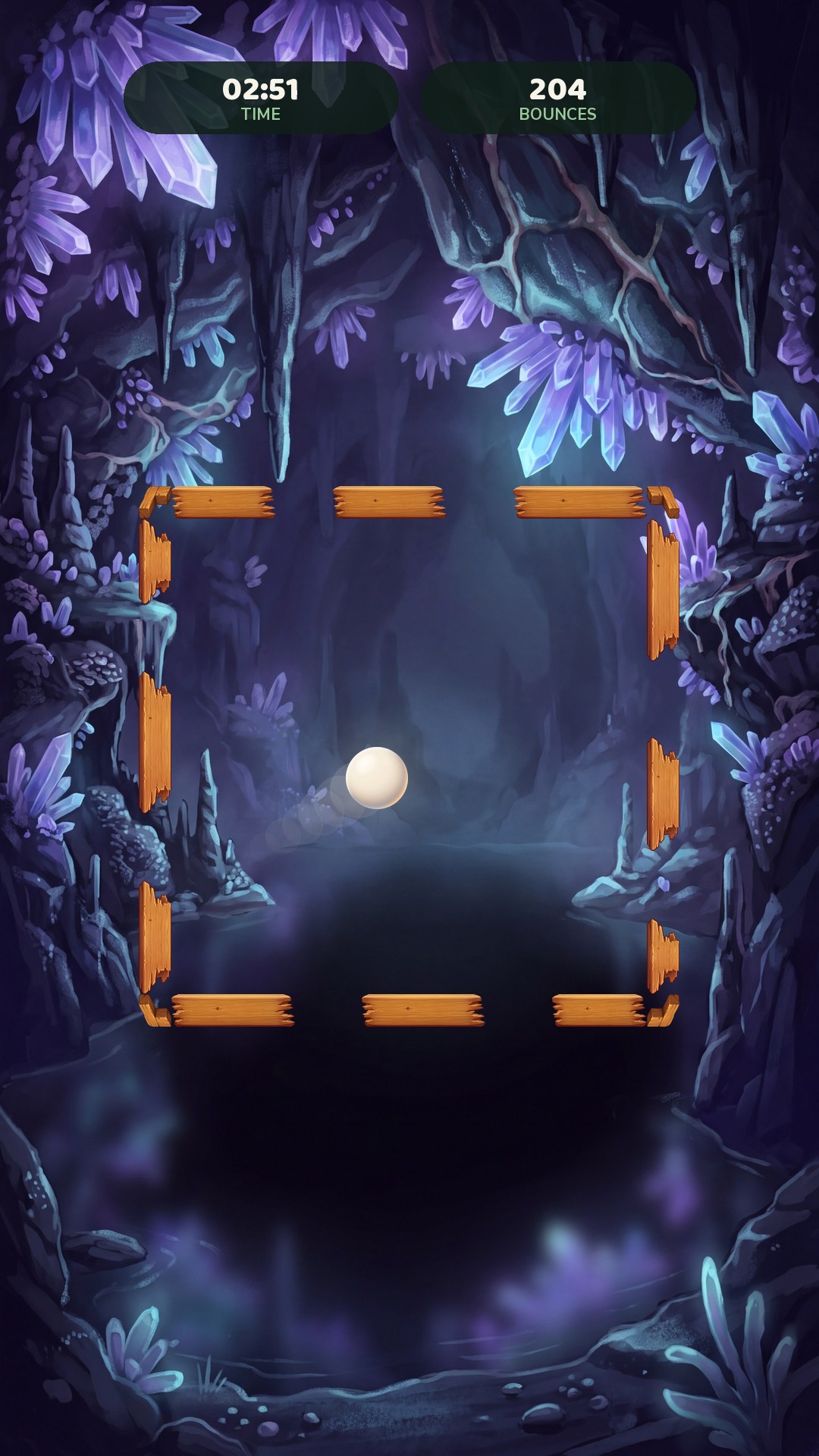
Every side starts whole. Nothing opens on a clock — a plank only cracks where the ball actually lands, and the third crack breaks it, sooner if the game rates you strong, later if it does not. A broken plank leaves a hole that is sometimes wide enough for the ball and sometimes not, and you can see which.
There is no permanently solid corner holding the box together, and there never was one to lose: a corner is just a gap too narrow for the ball on its own, until the planks on both sides of it are gone too.
One exception: park the frame and hold it still for ten seconds and every surviving plank cracks at once, dust warning you two seconds ahead. Move it and the clock resets, so the fix is simply never to stop.
The golden orb repairs the frame — if the ball reaches it
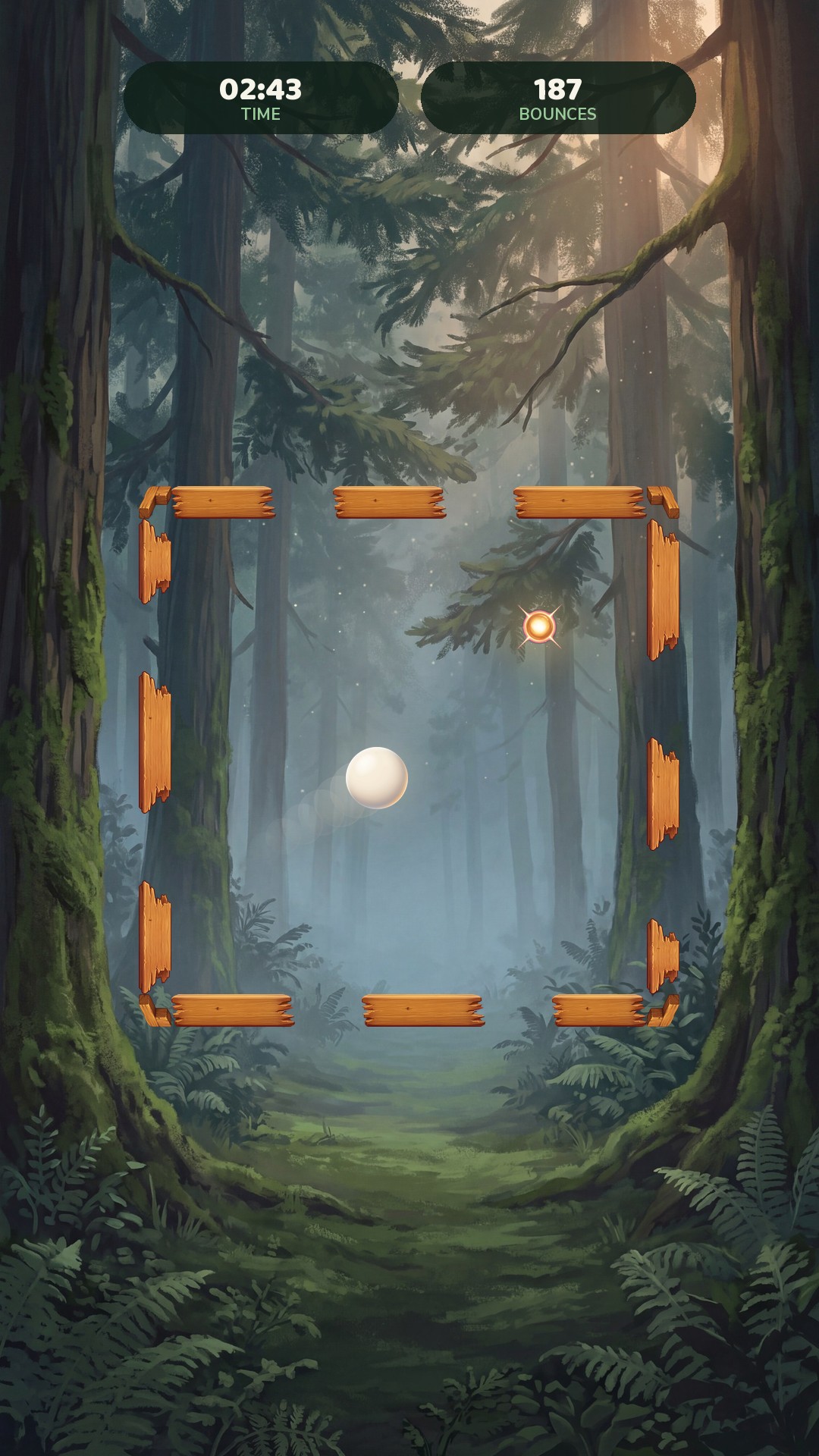
An orb drifts into play every so often, and collecting it banks a rescue charge, up to three held at once. Spend one and it rebuilds the plank the ball is about to escape through, on the spot. You cannot touch the orb yourself. Only the ball can, which means steering the whole frame to put the ball on a collision course.
That is the trade the game keeps offering you. Line up the shot and you are throwing the frame around with a wide-open side facing the wrong way. Ignore it and the next plank that breaks stays broken.
Environments
Six places to lose in
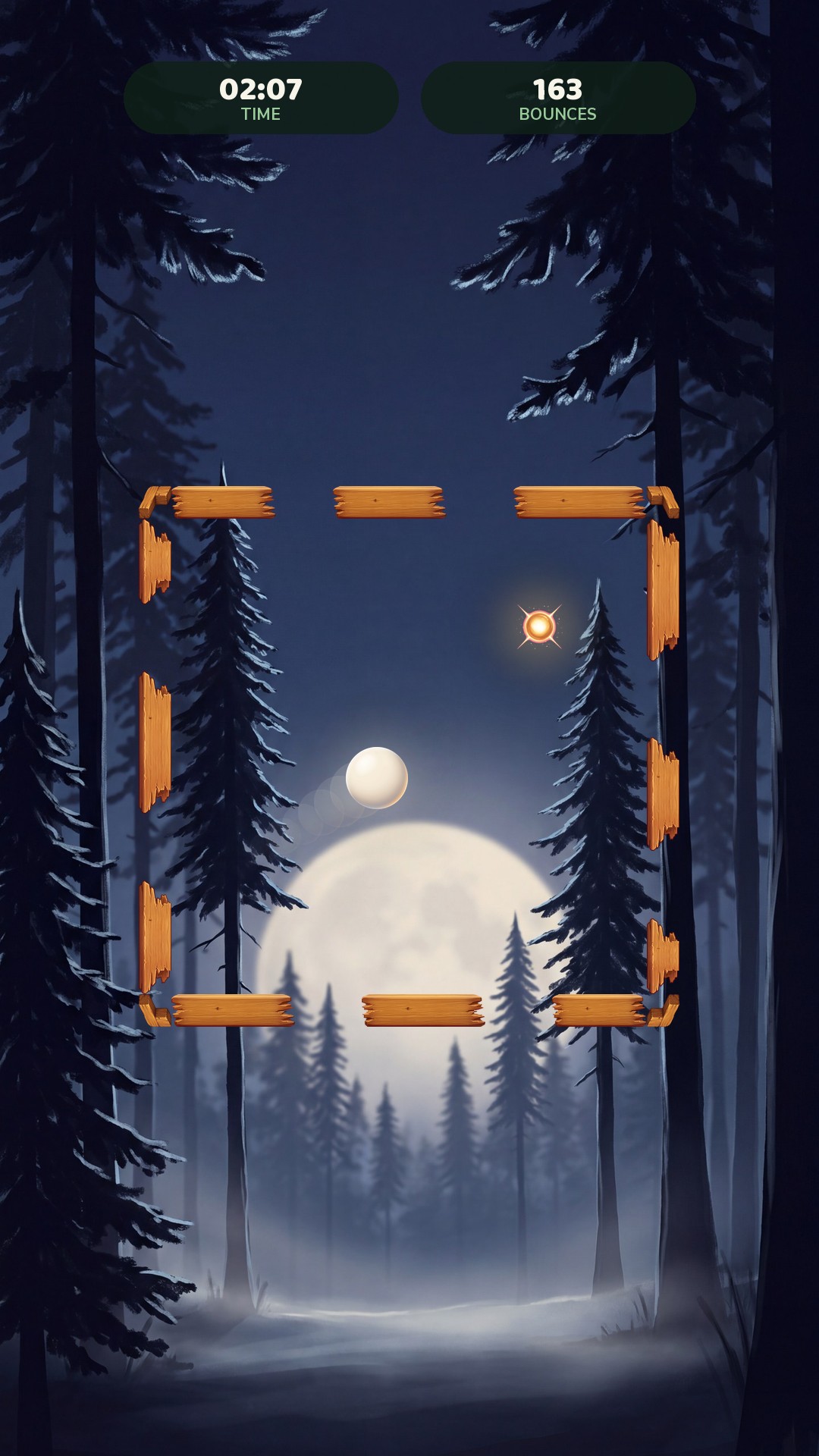
Hand-painted backdrops that stay calm in the middle, where the frame and the ball actually live. Each one has its own music as well as its own art. They change the mood and the things falling through it, never the difficulty. Playing at all earns the levels that open the later ones.
Old growth, first light
Late sun, falling leaves · level 3
Midnight, silver on the mist · level 8
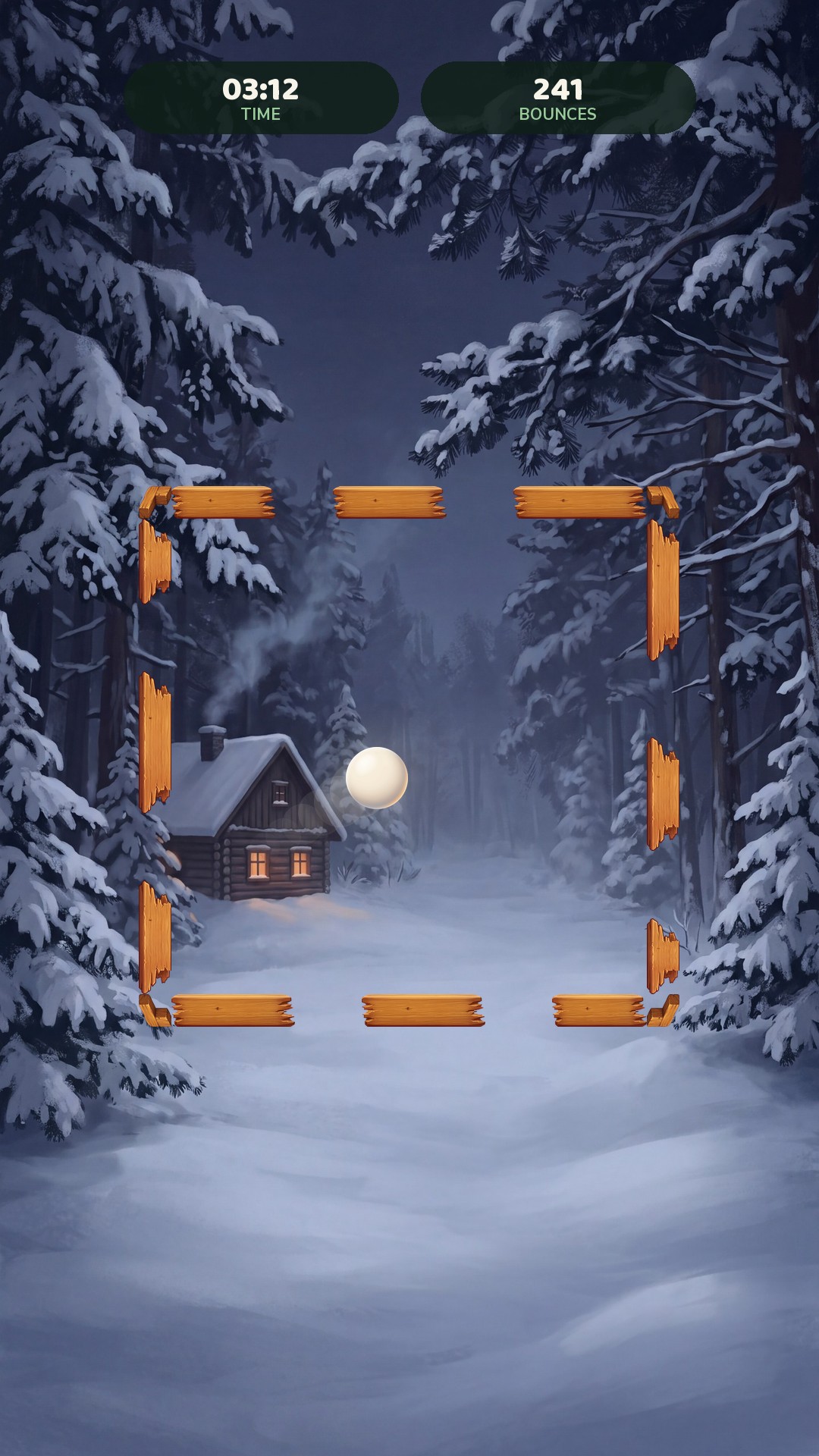
Deep winter, one warm window · level 15
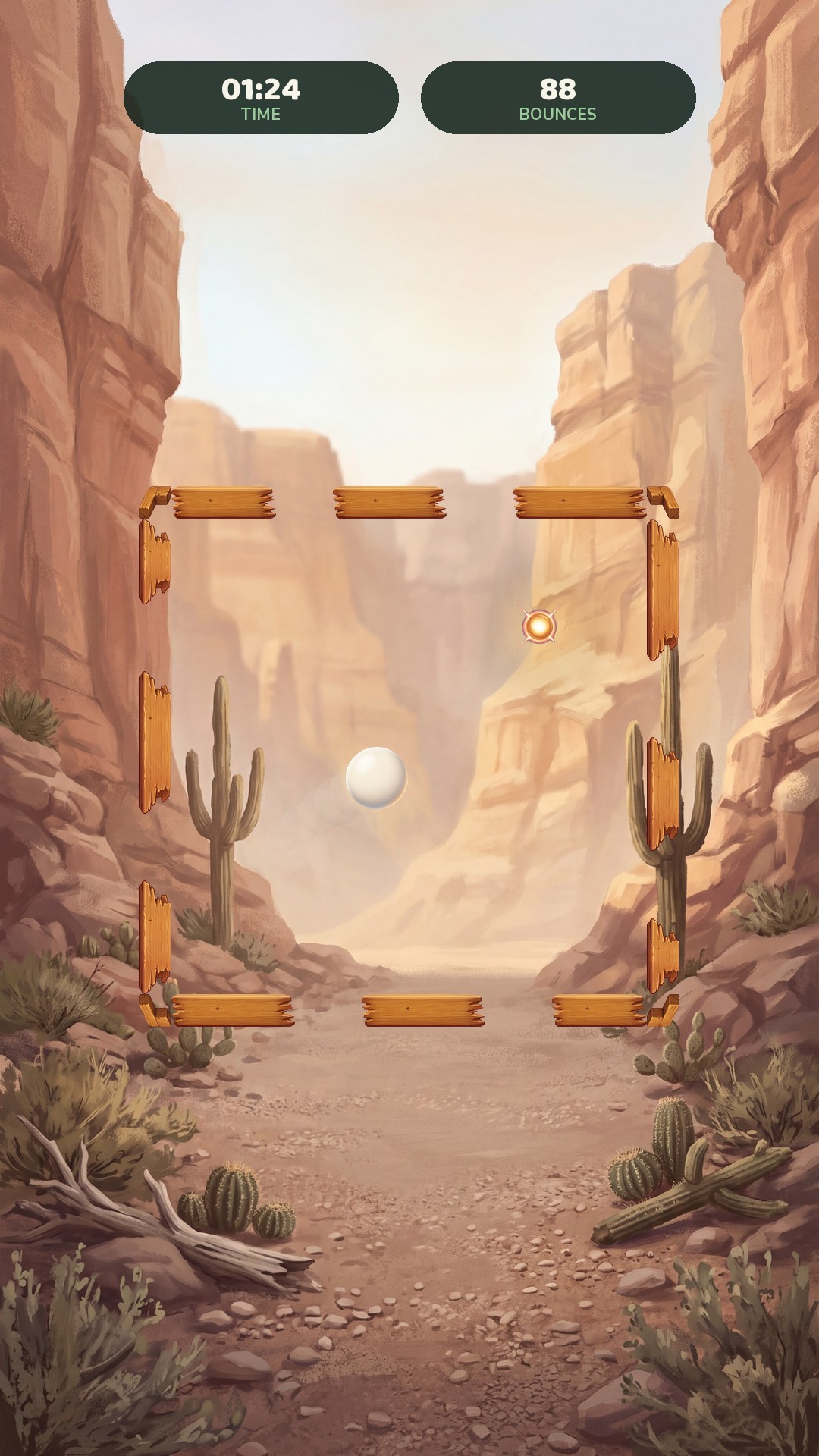
Noon in the canyon · Boxscape Premium
Violet light, deep down · Boxscape Premium
Between runs
What a run leaves behind
The run itself is thirty seconds to a few minutes, and it ends the same way every time. What changes is everything it leaves on the shelf.
118 trophies, and a shelf that shows the gaps
Some are for a single run, some for lifetime totals, some for coming back the next day. They arrive mid-run on a card that flies past without stopping the game and collect in a row under the plaques. Awards is what you hold, one card each; the Gallery is the whole catalogue with the ones you have not won dimmed rather than hidden, so you can see what the game wants from you.
Levels for turning up, a rating for playing well
Every run pays experience — a point a second, plus ten for finishing at all — so even a run that ends in four seconds moves the bar, and new levels open new places to play in. Levels only ever climb, because they are a record of time put in.
Your rating is the other half, and it moves both ways. Surviving about ninety seconds is par: beat it and you climb towards Elite, fall short and you slide back towards Rookie. Best time and best bounces are kept per band, so a promotion never means chasing a record you set at an easier setting.
Global board
Where the best runs stand
One board, everyone on it. The number is the haul — what the run was worth — and beside it how long that run lasted. Nobody signs in for this: the game hands out a name the first time it runs, and that name is the only thing it knows about anyone.
| # | Player | Haul | Time |
|---|---|---|---|
| Fetching the board… | |||
No account · no ads mid-run · no tracking of you
A nickname on a board, and ads only where you tap
There is nothing to log into. The game gives you a made-up name the first time it runs — nobody asks for yours — and sends that name and your scores to the three global boards. Everything else, from your trophies to which backdrop you picked, stays on the phone. The game is free and shows ads: one you can choose to watch for a second chance when the last ball gets away, one for double XP, and a short break every few runs, which Boxscape Premium removes. Nothing plays while the ball is in the frame, nothing you watch or buy changes how the game plays, and in Europe it asks before showing any ad at all.
On Google Play · On the App Store